The only reading app you’ll ever need.
Novels, comics, manga and audiobooks, together in one private library. Read in any browser, or carry everything with you on Android.
Four apps on your home screen. Or one.
Reading
Pages that turn like paper.
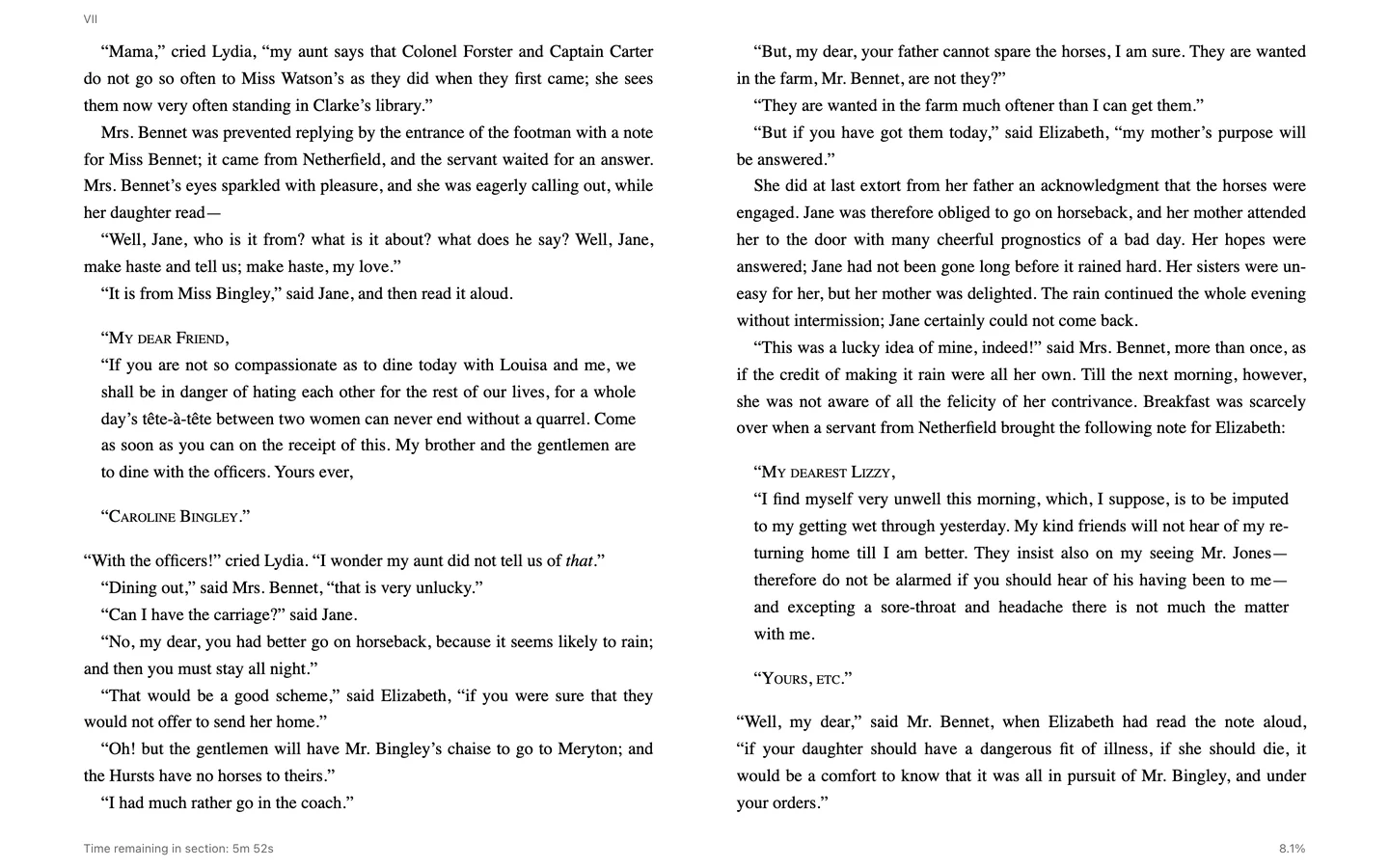
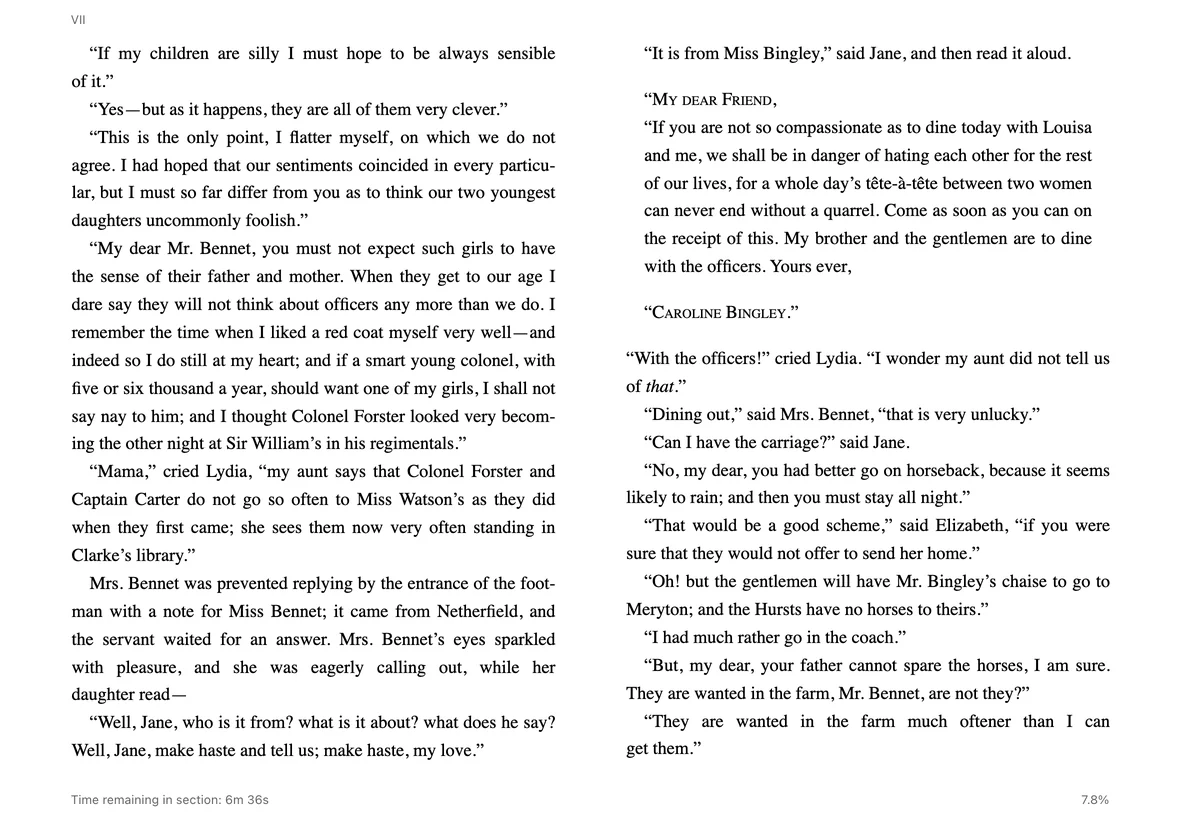
Choose your font, your margins and a light, sepia or night page, then turn it with a real curl. If you’d rather keep it simple, a quick slide works too.
Shown: Pride and Prejudice on the Android app.
Comics & manga
Comics, manga and manhwa, page by page.
Classic strips, manga volumes and long-scrolling manhwa each open the way they were made to be read. Follow a series and new chapters show up on their own.
Hokusai Manga (1814) and Little Nemo in Slumberland (1905)
Audiobooks
When your eyes need a break, press play.
Audiobooks live on the same shelves as everything else, with chapters, speed and a sleep timer. Leave the player and a mini player keeps your place at the bottom of the screen.
Shown: The Time Machine, read by LibriVox volunteers.
Your library
A library that keeps itself in order.
Drop in a file and PlotHaven finds the cover and the details for you. Series and author pages come together on their own, and Magic Shelves fill themselves from a few simple rules.
Every screen
Pick up exactly where you stopped.
Your place follows you to the sentence on your computer, tablet and phone. Kobo and KOReader devices can stay in step too.

PlotHaven for Android
Your whole library, even without a signal.
A fully native app that works offline from the moment you open it, no account required. Add manga sources right on your phone, download chapters before a flight, and sign in whenever you want your library and progress to sync.
And a few more things you’ll like.
- Every highlight in one place. Notes, highlights and bookmarks from all your books gather in the Notebook.
- Talk about the good lines. Leave a comment on a passage and your friends find it right where it belongs.
- See how you read. Streaks, favourite days and the hours you read best, drawn from your real sessions.
- Room for the whole family. Share a library while everyone keeps their own shelves and progress.
- Find something new. Search for a title and it arrives on the shelves you picked, or browse what other readers are saving.
- Bring your e-reader. Kobo, KOReader and OPDS apps plug straight in.
- Private by default. Your books, notes and progress stay yours unless you choose to share them.
- Keep a copy. Back up the Android app to a single file and restore it on your next phone.